
About
A standalone hands-on IDE course for Java developers who want a practical introduction to Spring Boot and Spring AI foundations. You will build and test REST endpoints, service classes, ChatClient-style calls, prompt templates, and structured CodeReview output. The course starts with basic Spring Boot web concepts and gradually moves toward AI application patterns. Prerequisites: basic Java classes, methods, imports, strings, and lists. No previous Spring Boot or AI experience is required. All checks run locally with deterministic fake models, so you can complete the course without an API key, AI provider account, or external course material.
External author course
This course was created and is maintained by an independent author. JetBrains Academy only verifies that it works correctly and is safe to use. For any questions about the content, please contact the course author directly.
Content
- Before You Start
- How Spring Boot Serves a Request
- Your First Endpoint
- Read Input from the Request
- Quick Check: Reading Query Parameters
- The ChatClient: One Door to Any Model
- Make Your First AI Call
- Quick Check: The Final Step
- Observe the First AI-Style Reply
- Controllers and Services
- Move the AI Call into a Service
- Expose the Chat Endpoint
- Debug the Missing Service Injection
- Quick Check: Controller vs. Service
- Prompts and Templates
- Add a System Message
- Use a Prompt Template
- Complete the Template Call
- Quick Check: Template Placeholders
- Why Structured Output Matters
- Return Structured Data
- Add the Review Endpoint
- Quick Check: Structured Output
- Observe the Review Response
- What You Are Assembling
- Capstone: Assemble the AI App

What do you need to start?
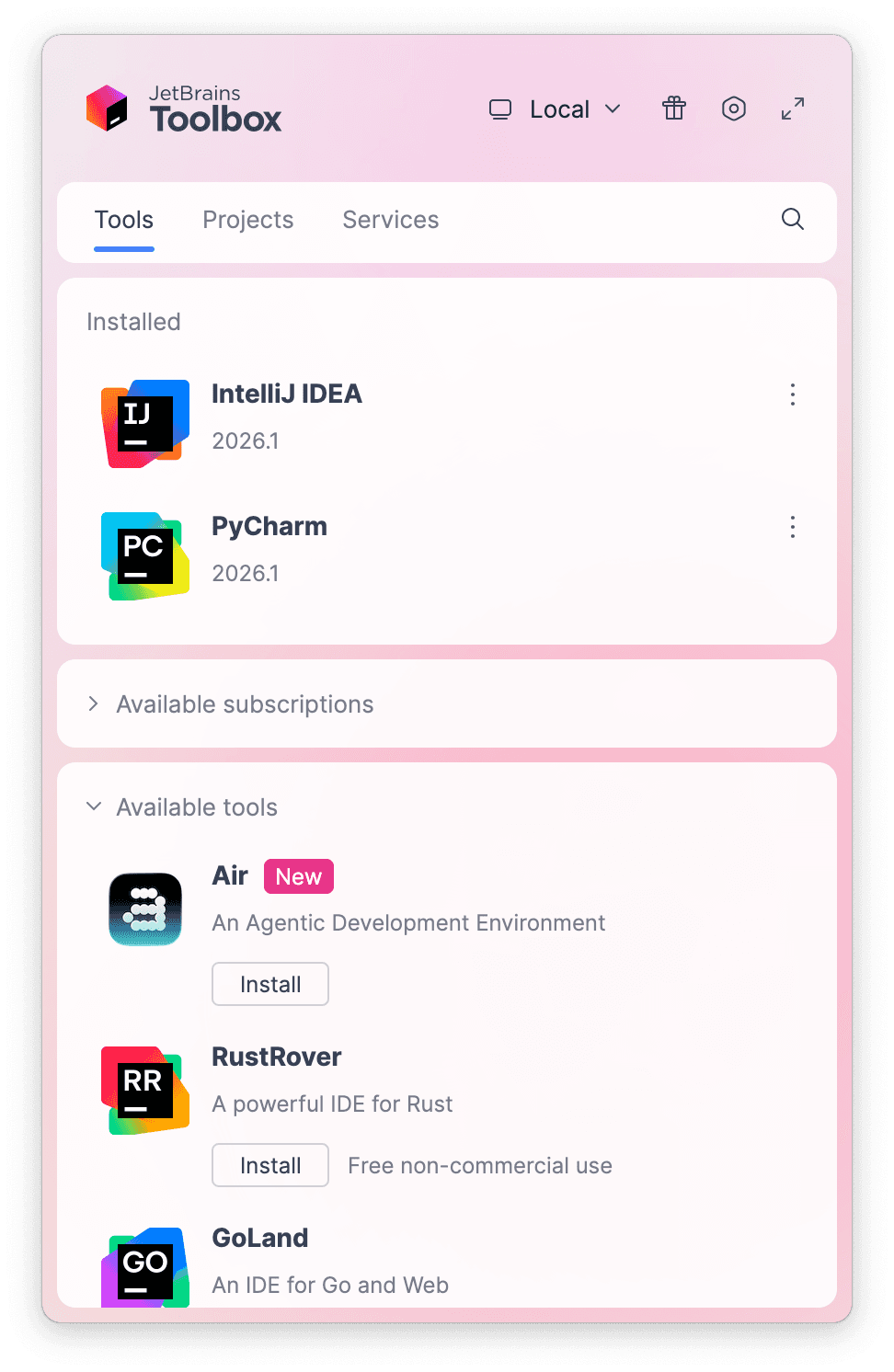
Install the free JetBrains Toolbox App
The JetBrains Toolbox App 2.7+ makes setting up your course effortless. Already have a compatible IDE? It will launch it. If not, the app will install the right IDE for your course.
Learn more about our licenses here.
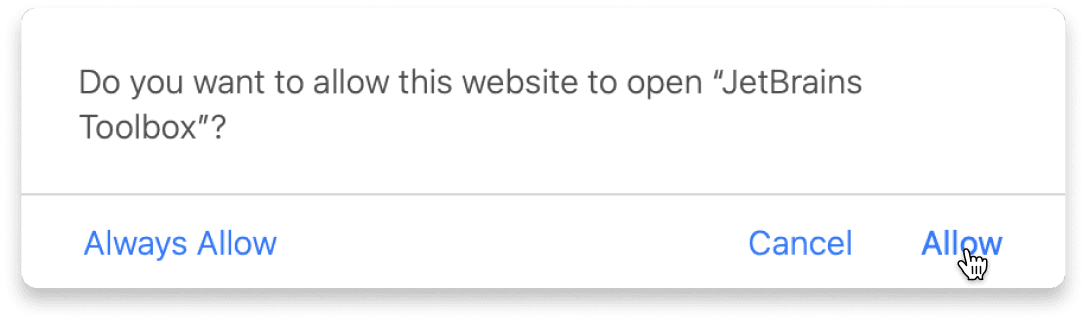
Confirm the course launch
Click Take course and then Allow to open the Toolbox App.
Select Always Allow to skip this confirmation in the future.
To return to the course later, find it in your IDE's recent projects.
Need more help? Check out our guide.
The JetBrains Toolbox App 2.7+ makes setting up your course effortless. Already have a compatible IDE? It will launch it. If not, the app will install the right IDE for your course.
Learn more about our licenses here.
Click Take course and then Allow to open the Toolbox App.
Select Always Allow to skip this confirmation in the future.
To return to the course later, find it in your IDE's recent projects.
Need more help? Check out our guide.
FAQ and troubleshooting
Yes, you will need the JetBrains Toolbox App and a JetBrains IDE.
Just click this link to install the JetBrains Toolbox App. We've taken care of all the necessary settings, and the app will handle the rest of the setup for you.
The JetBrains Toolbox App checks which IDE is compatible with your course and whether it is installed on your computer. If you have the necessary IDE installed, the app will open it. If not, JetBrains Toolbox will initiate the installation, prioritizing free community editions.
Yes, the JetBrains Toolbox App is essential, even if you already have a JetBrains IDE. It automatically prepares your IDE for studying by installing the required plugins and updating the IDE if necessary.
Please make sure you have the latest version of the JetBrains Toolbox App. To update, open the app and click Update Toolbox App, or download the latest version here.
If you’re using a Chrome-based browser, please also allow Find devices on local networks in the popup that appears on the course page. When this permission is granted, the page will detect when the Toolbox App opens on your system and you’ll be able to open the course properly.
Yes! It's 100% free and works with both the free and paid versions of JetBrains IDEs.
If you're a student, apply for the Student Pack to get full access to JetBrains IDEs for the duration of your studies. If not, check if you qualify for a free non-commercial license.