
Kotlin Onboarding 3: Collections
Turn messy data into playful, functional apps—with Kotlin’s most expressive collection tools.
About
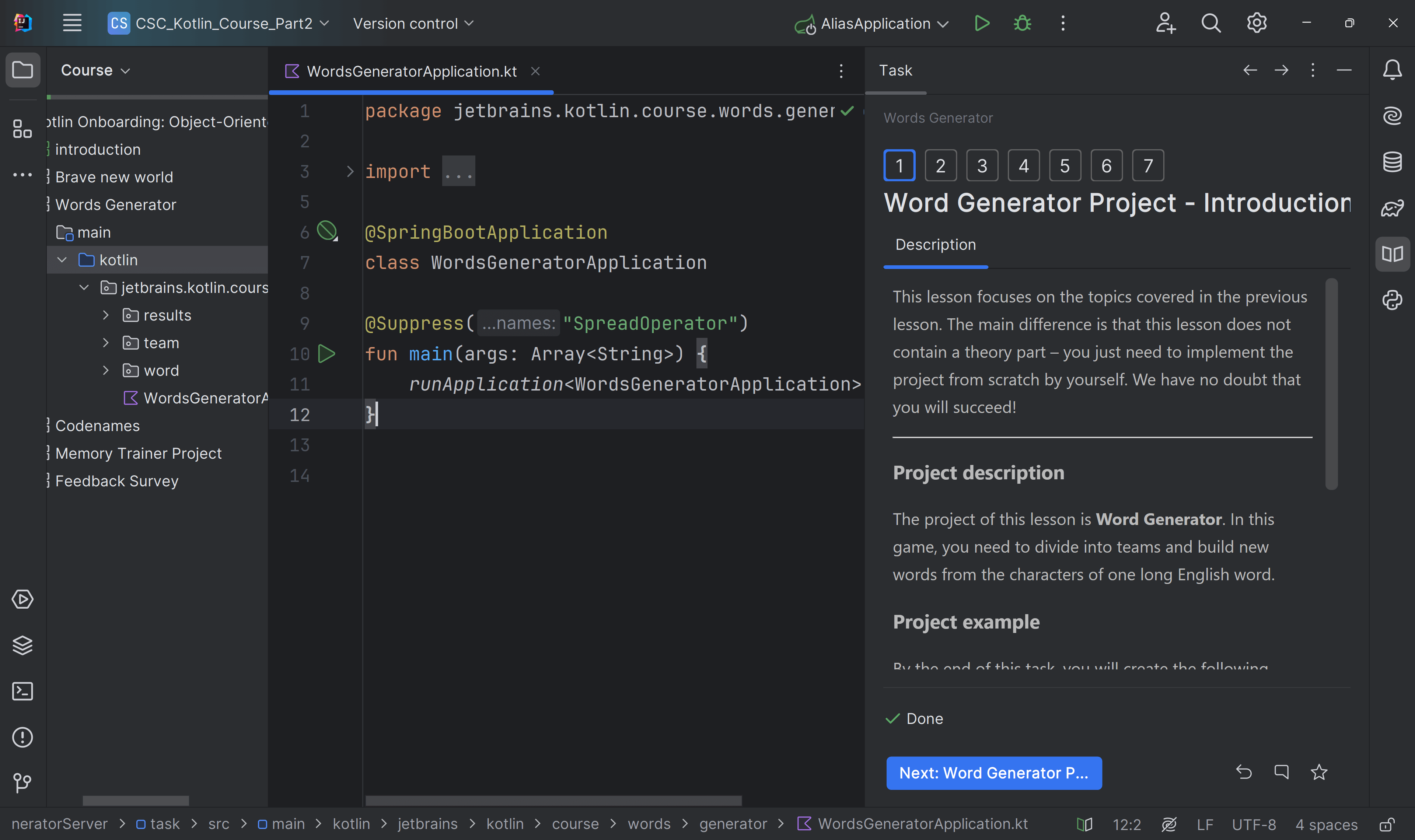
This third module in the Kotlin onboarding series transforms collections from textbook topics into tools you’ll reach for every day.
Through a series of quirky, web-based projects, from managing a Duck Shop to feeding a Tamagotchi, you’ll go hands-on with Kotlin’s collection APIs in ways that stick.
Your result: backend-style web apps built with Kotlin collections, plus the skills to shape, clean, and command data like a real developer using an industry-trusted tool.
Content
1. introduction
2. Duck shop
3. Old school
4. Back to the future
5. Master chef
6. Feedback Survey
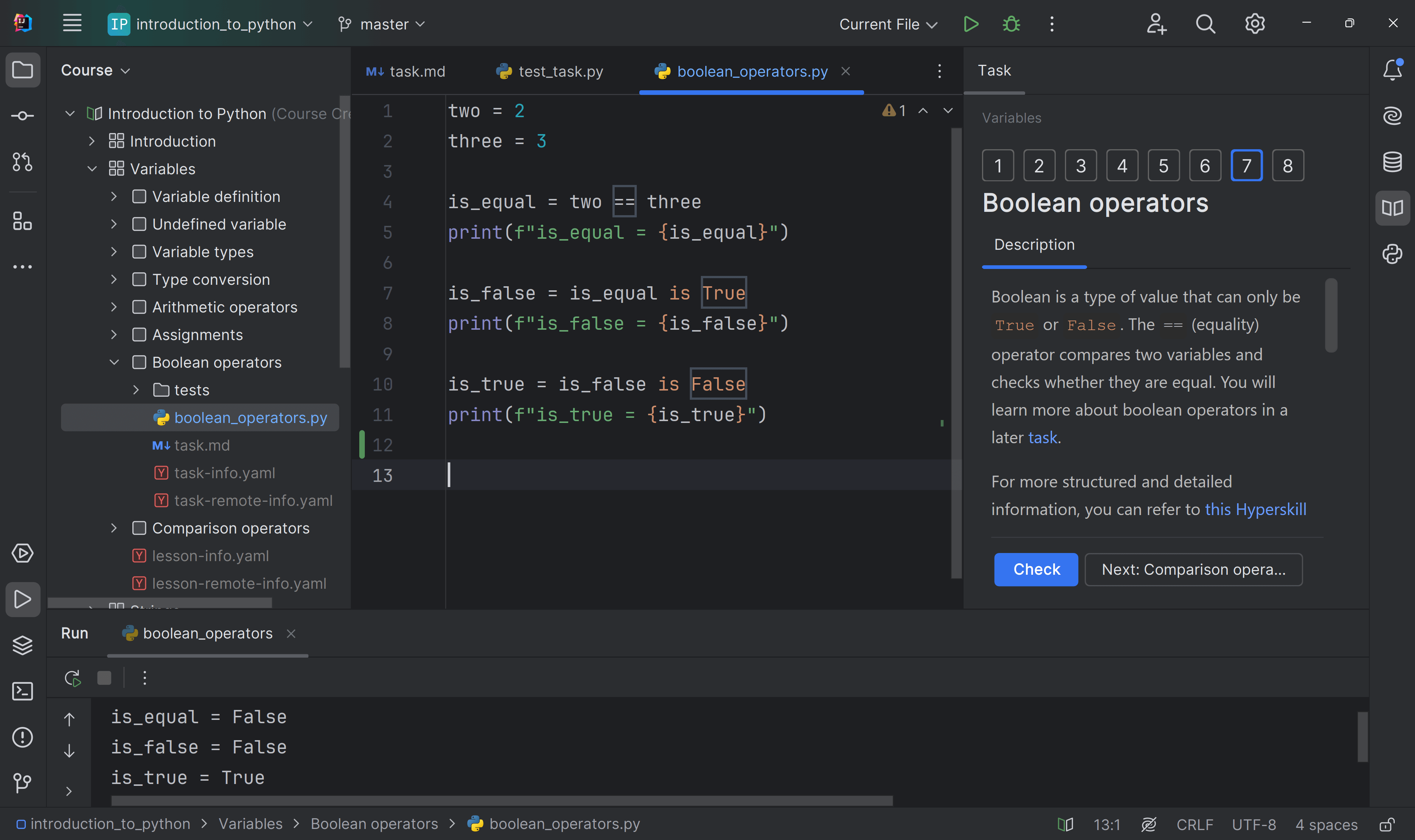
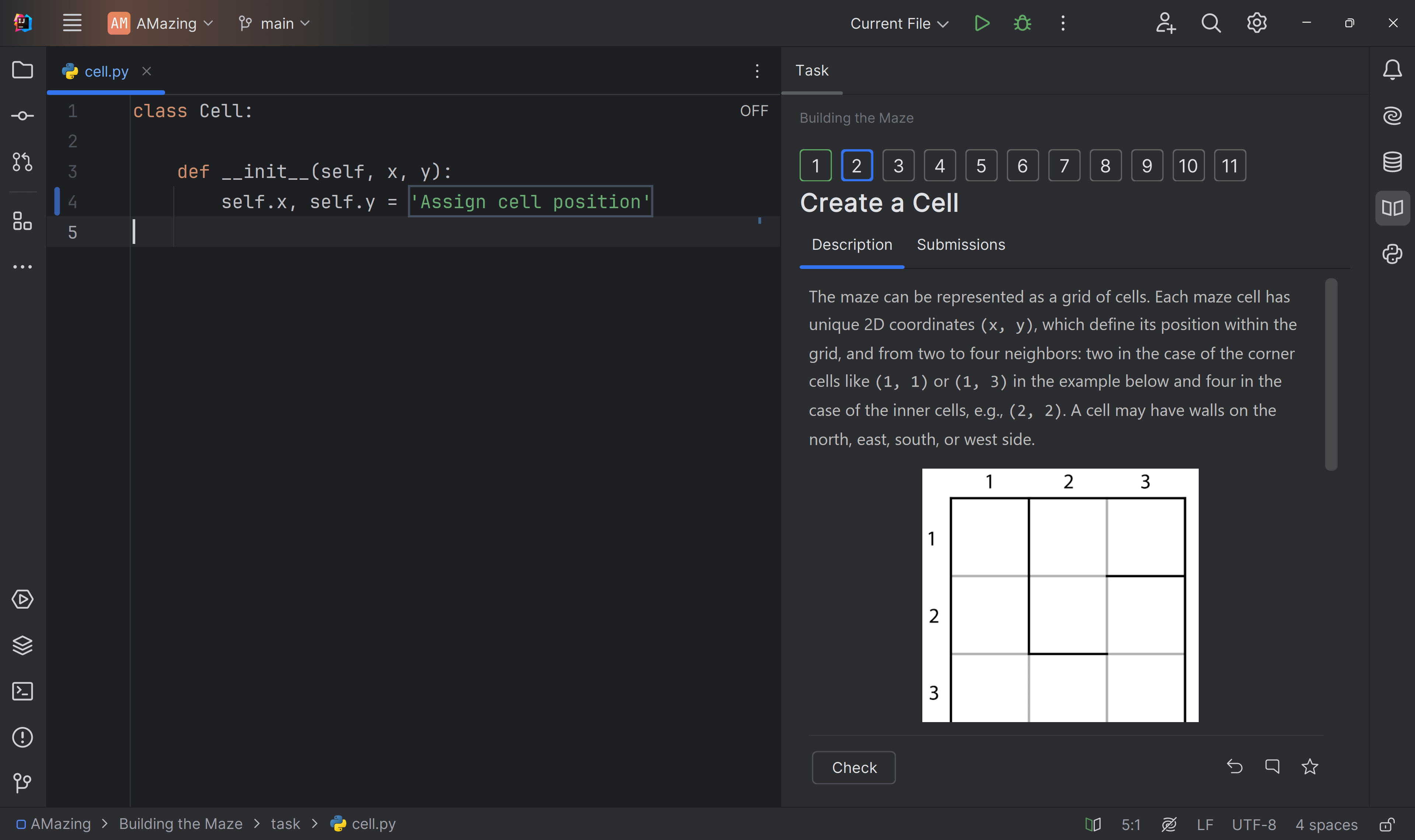
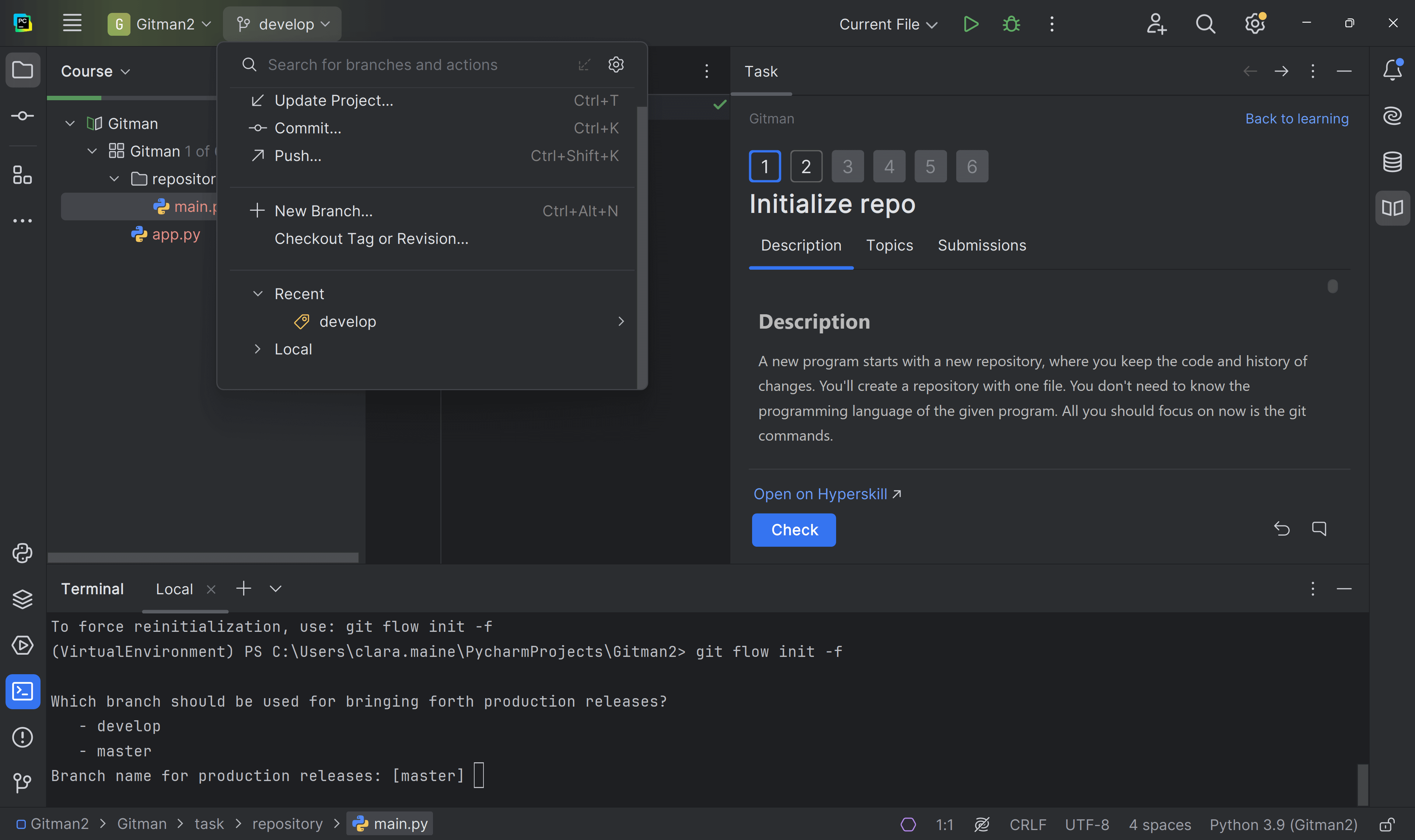

What do you need to start?
The JetBrains Toolbox App 2.7+ makes setting up your course effortless. Already have a compatible IDE? It will launch it. If not, the app will install the right free IDE for your course.
Learn more about our licences here.
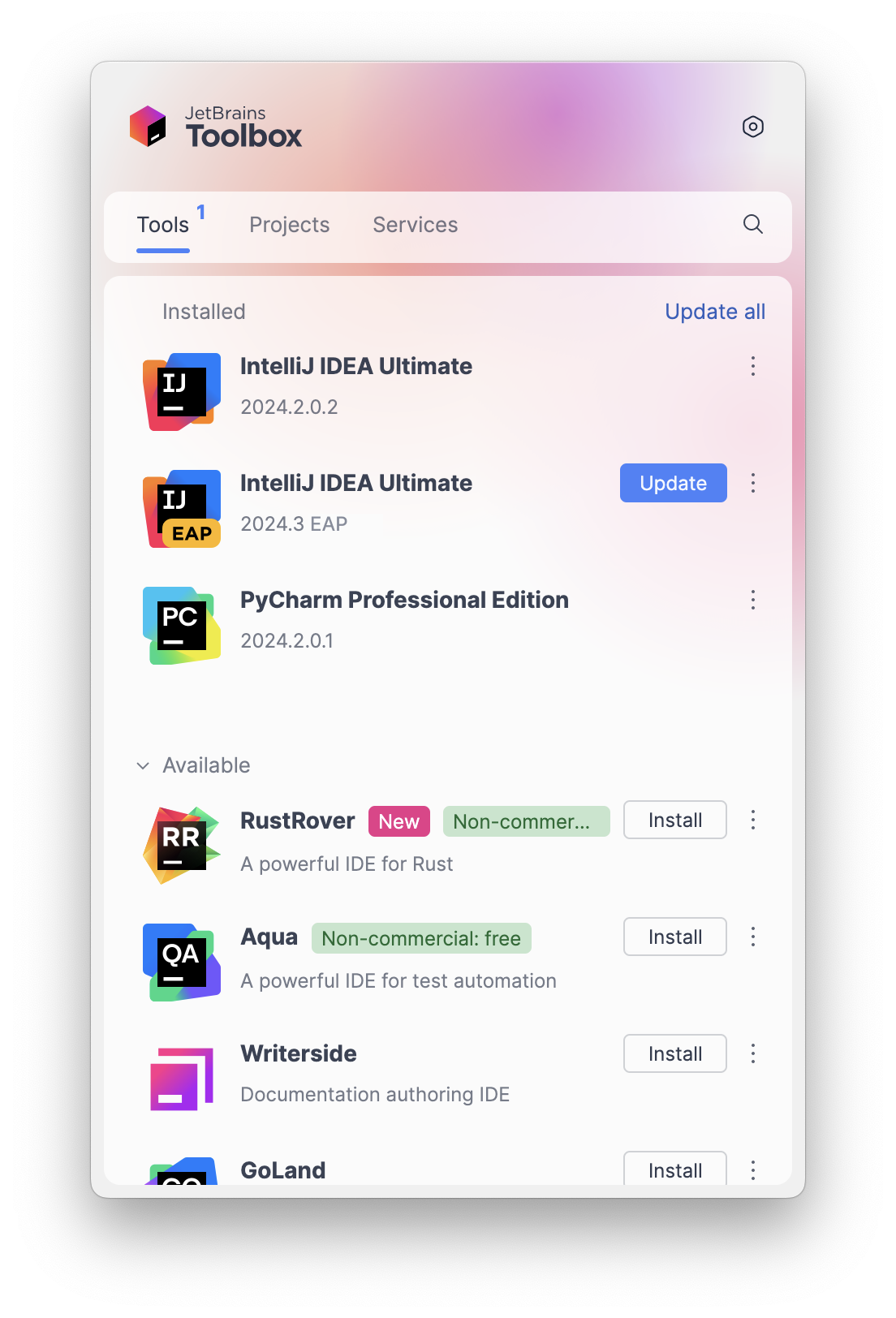
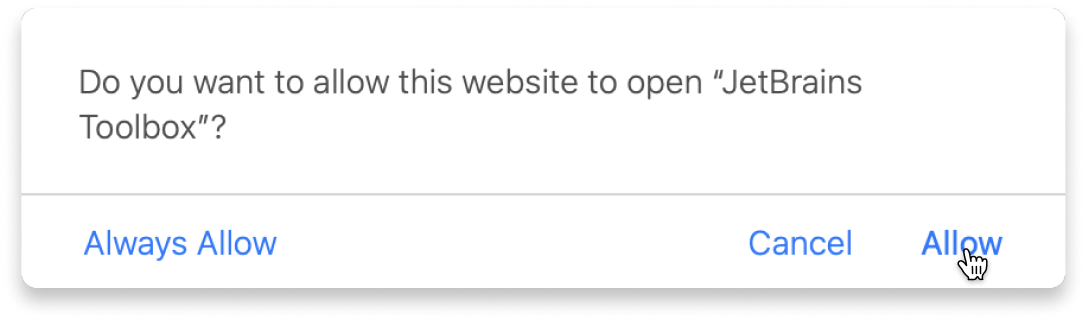
Click Launch course and then Allow to open the Toolbox App.
Select Always Allow to skip this confirmation in the future.
To return to the course later, find it in your IDE's recent projects.
Need more help? Check out our guide.
The JetBrains Toolbox App 2.7+ makes setting up your course effortless. Already have a compatible IDE? It will launch it. If not, the app will install the right free IDE for your course.
Learn more about our licences here.
Click Launch course and then Allow to open the Toolbox App.
Select Always Allow to skip this confirmation in the future.
To return to the course later, find it in your IDE's recent projects.
Need more help? Check out our guide.
FAQ and troubleshooting
Yes, you will need the JetBrains Toolbox App and a JetBrains IDE.
Just click this link to install the JetBrains Toolbox App. We've taken care of all the necessary settings, and the app will handle the rest of the setup for you.
The JetBrains Toolbox App checks which IDE is compatible with your course and whether it is installed on your computer. If you have the necessary IDE installed, the app will open it. If not, JetBrains Toolbox will initiate the installation, prioritizing free community editions.
Yes, the JetBrains Toolbox App is essential even if you already have a JetBrains IDE. It automatically prepares your IDE for studying by installing the essential plugins and updating the IDE if necessary.
Please make sure you have the latest version of the JetBrains Toolbox App. To update, open the app and click Update Toolbox App, or download the latest version here.
If you’re using a Chrome-based browser, please also allow Find devices on local networks in the popup that appears on the course page. When this permission is granted, the page will detect when the Toolbox App opens on your system and you’ll be able to open the course properly.
Yes! It's 100% free and works with both the free and paid versions of JetBrains IDEs.
If you're a student, apply for the Student Pack to get full access to JetBrains IDEs for the duration of your studies. If not, check if you qualify for a free non-commercial license.